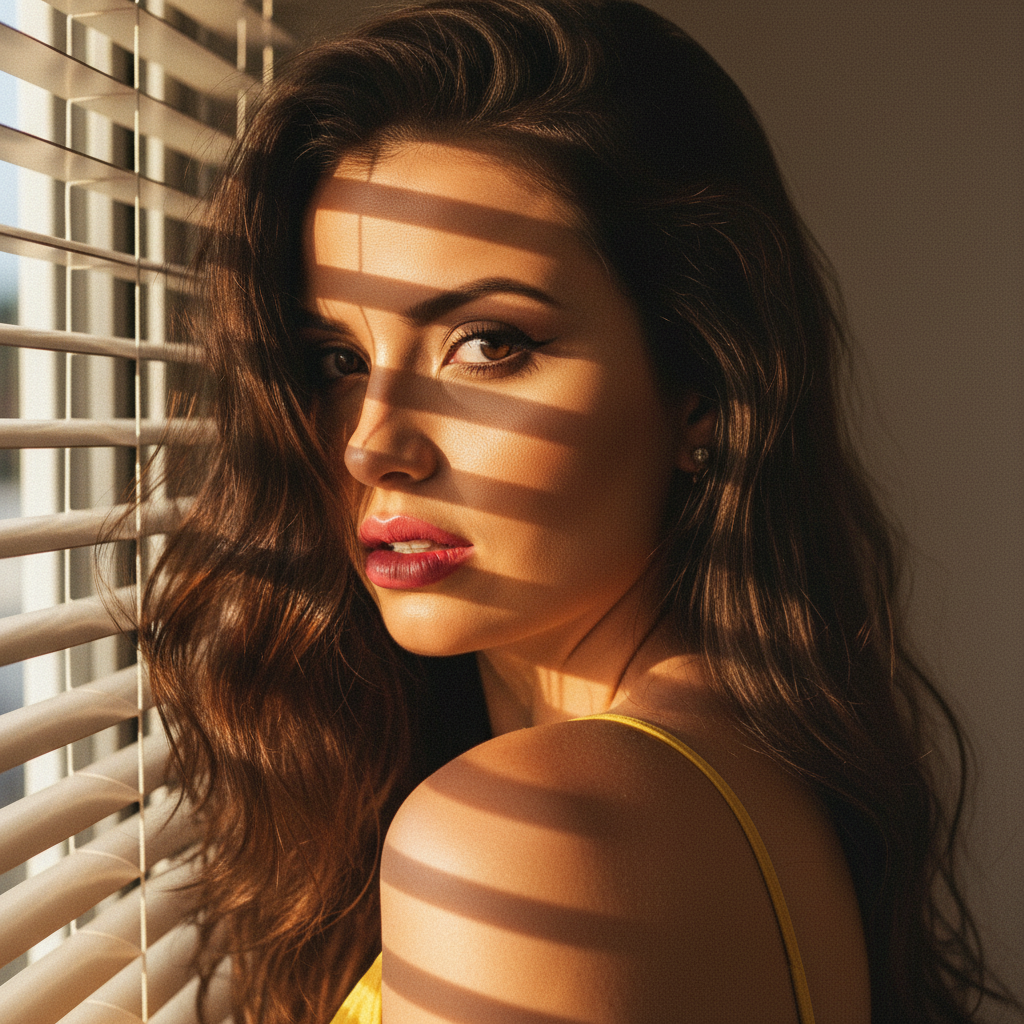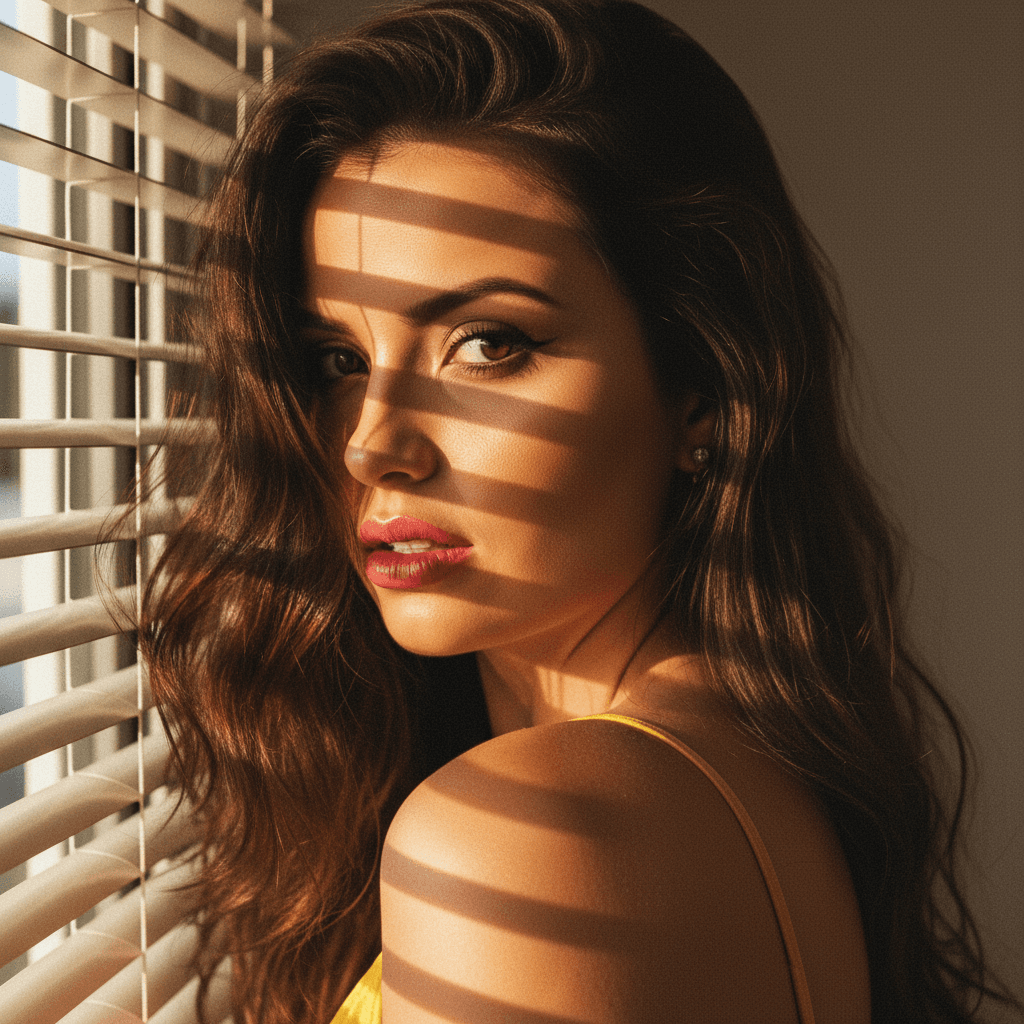
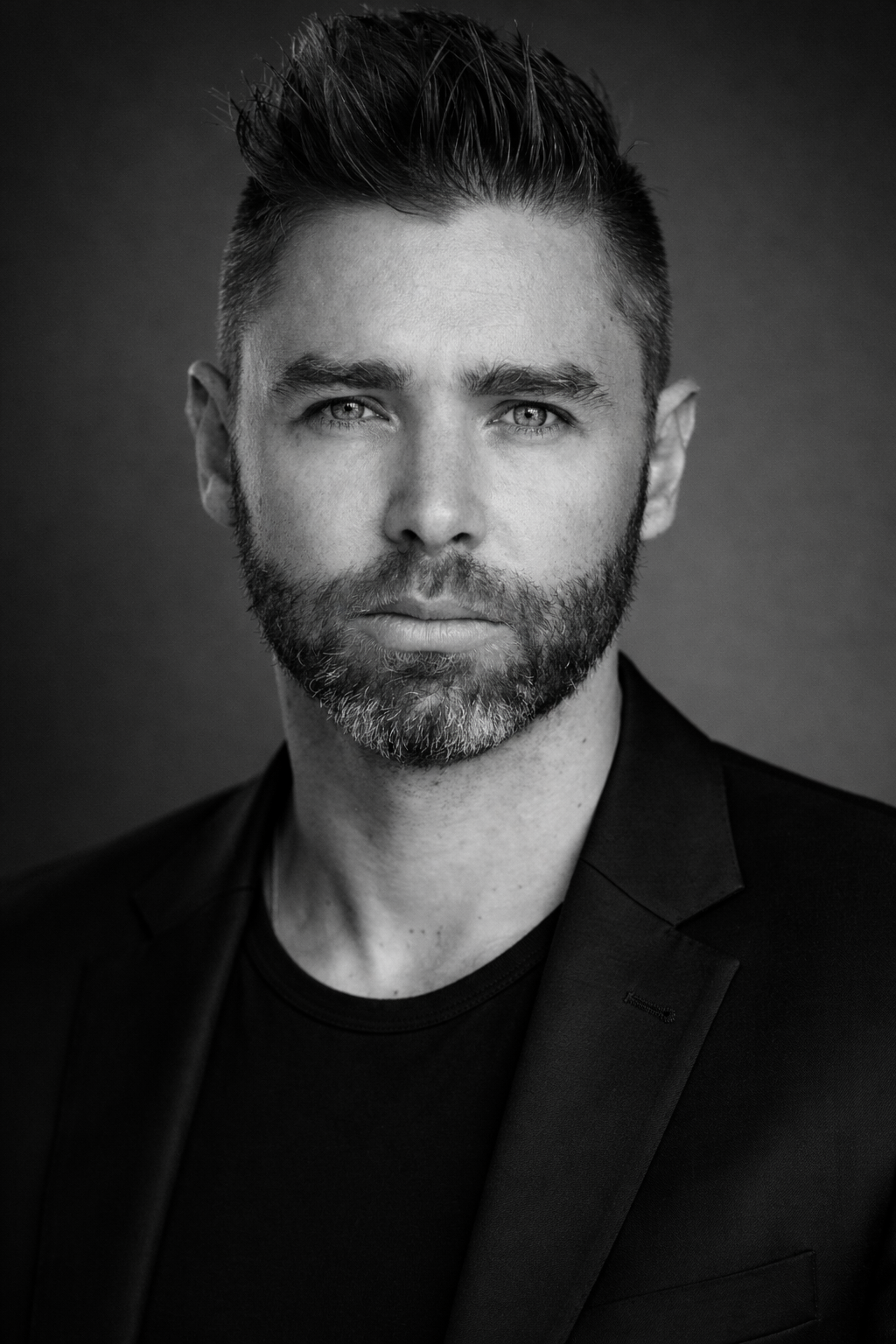
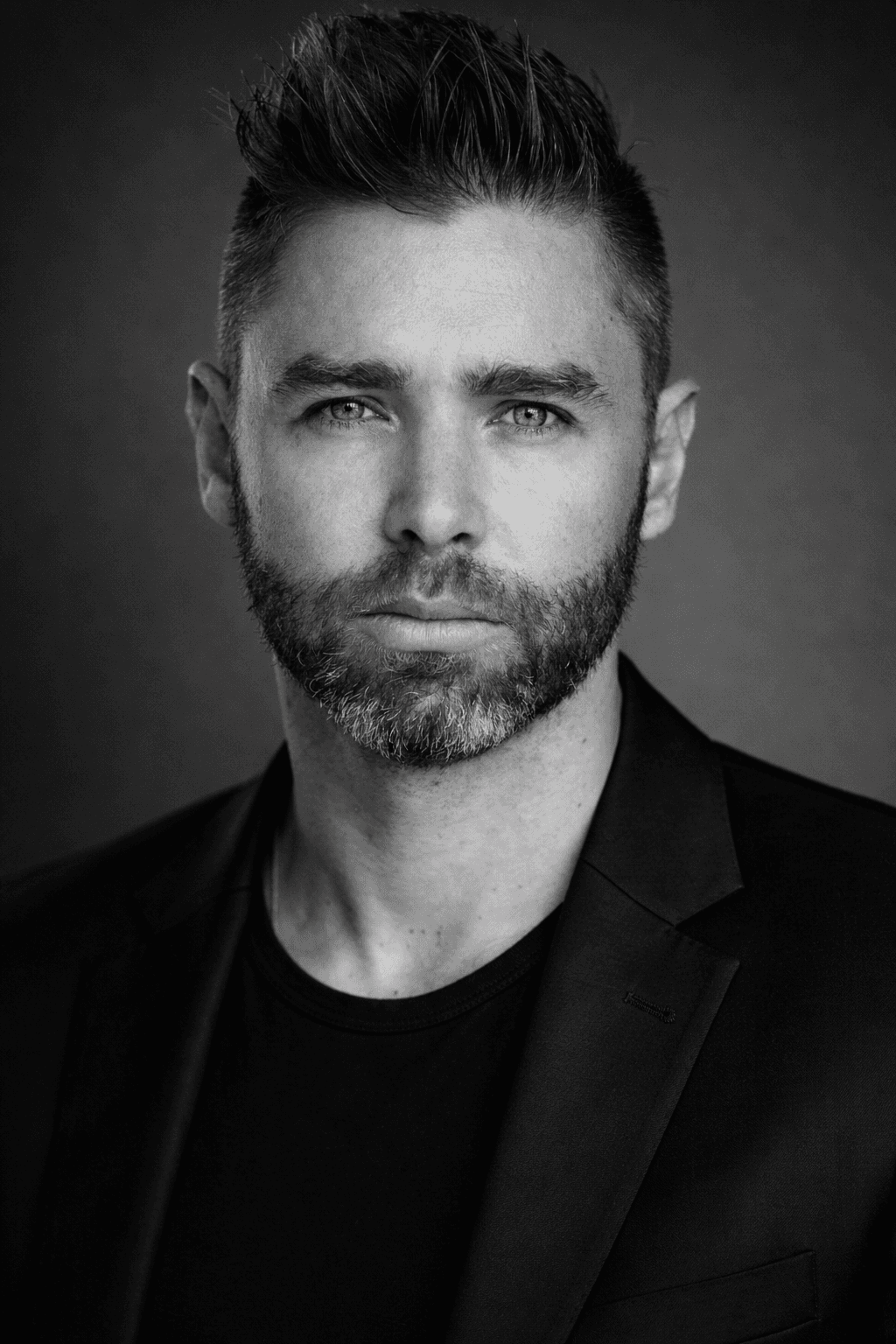
In today's digital-first job market, your LinkedIn profile picture is often a prospective employer's first impression of you. A professional, approachable, and well-presented image can set you apart in a crowded field. The right picture not only highlights your professional demeanor but also reflects your personality and compatibility with potential job environments. Here’s how to ensure your LinkedIn photo works for you.
Why Your LinkedIn Profile Picture Matters
The significance of having an impactful LinkedIn profile picture cannot be overstated. Profiles with photos receive significantly more engagement than those without—up to 14 times more interactions. Profile pictures foster a sense of trust and human connection, attributes highly valued by recruiters.
Key Elements of an Effective LinkedIn Profile Picture
To create a strong first impression with your LinkedIn profile picture, consider the following elements:
1. Professionalism
- Dress in business-appropriate attire, akin to what you'd wear to an interview.
- A clean, neutral background enhances professionalism and keeps the focus on you.
- Maintain a genuine and confident expression.
2. Quality and Composition
- Use high-resolution images to avoid pixelation.
- Frame the photo to include your head and shoulders, ensuring your face is the focal point.
- Natural or soft lighting can enhance your features without harsh shadows.
3. Authenticity and Approachability
- A slight smile can convey warmth and approachability—qualities that are beneficial in most professional settings.
- Avoid heavy retouching; authenticity is key to conveying trust.
4. Consistency Across Platforms
- Ensure consistent imagery across all professional digital platforms. This creates a uniform, easily recognizable personal brand.
Using HeadshotUp for Perfect LinkedIn Photos
Creating the perfect LinkedIn profile picture doesn't require a professional photographer. With HeadshotUp, you can transform regular selfies into professional-quality headshots effortlessly. This innovative tool enhances your images by improving lighting, clarity, and focus, ensuring your profile pictures always convey the utmost professionalism.
Expert Tips for Selecting Your LinkedIn Photo
- Update Regularly: A current photo should reflect any significant changes in appearance to avoid confusion.
- Personalization: Depending on your industry, you might adjust formality levels. For instance, while corporate positions favor traditional attire, tech startups may appreciate a more casual appearance.
- Get Feedback: Sometimes, a second opinion can highlight potential issues or confirm you've made the right choice. Don’t hesitate to ask colleagues or friends to review your photo.
Common Mistakes to Avoid
Over-Stylization
While filters and editing tools are enticing, they can easily detract from a professional image if overused.
Lack of Relevance
Ensure your profile photo is professional and recent—photos from vacations or parties give an inaccurate portrayal of your professional demeanor.
Conclusion
Your LinkedIn profile picture is a gateway to new opportunities. By using professional tools like HeadshotUp and following the above guidelines, you ensure that your online image reflects the best version of yourself. A thoughtful, well-composed image sets the stage for positive professional interactions and can make a memorable impression in the minds of potential employers.
Ready to upgrade your professional image?
Join thousands of professionals using HeadshotUp.
Get Started for Free